
Test DPC
Tools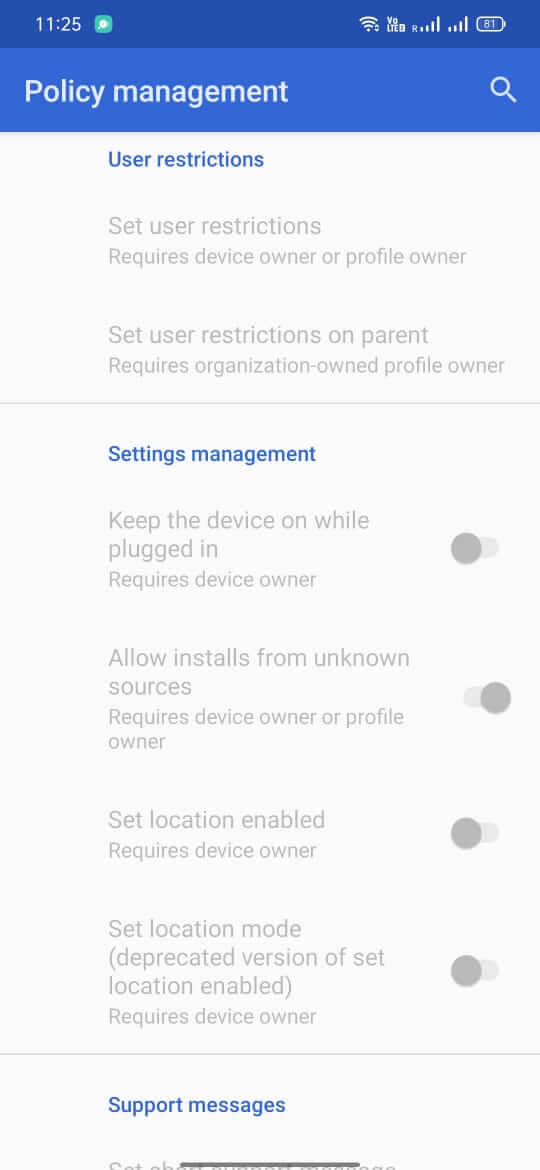
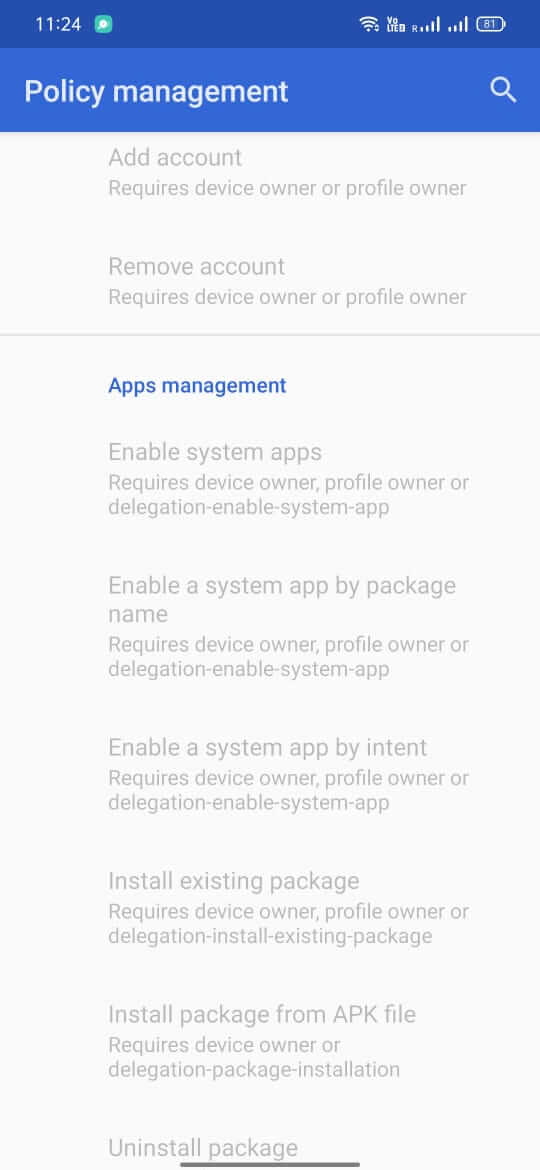
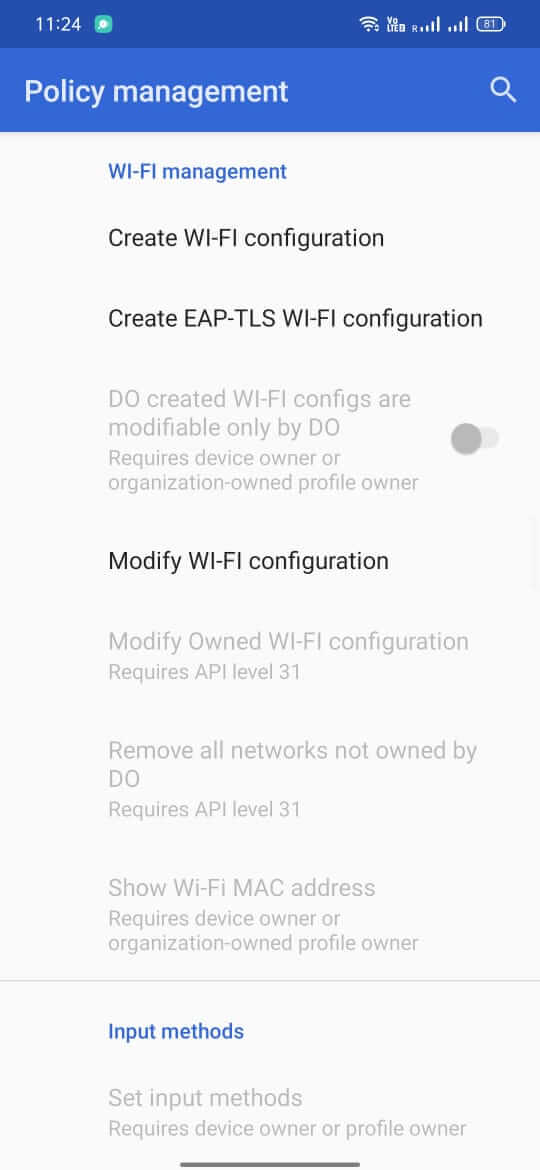
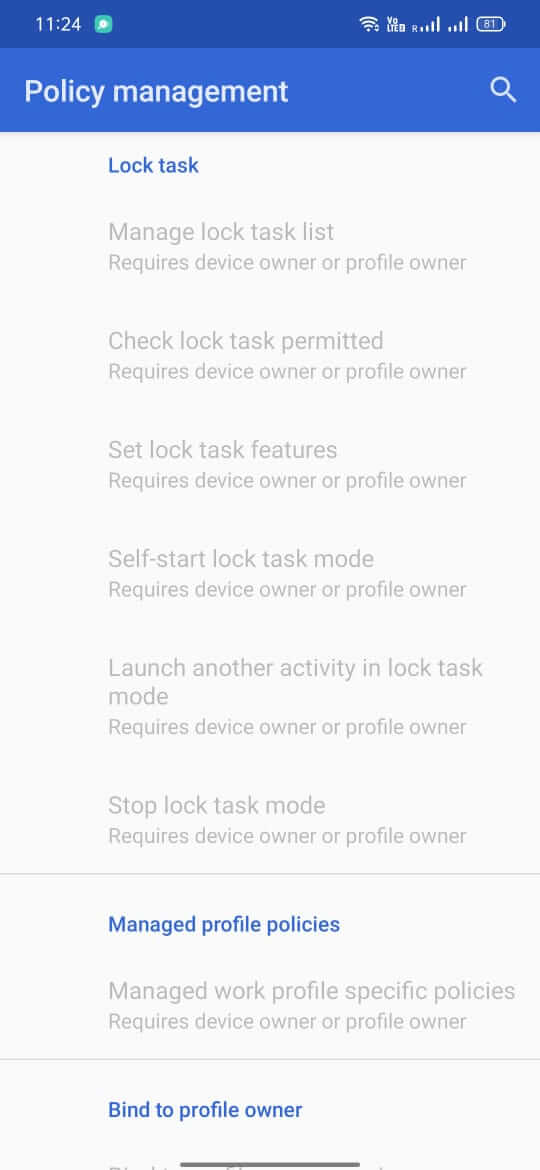
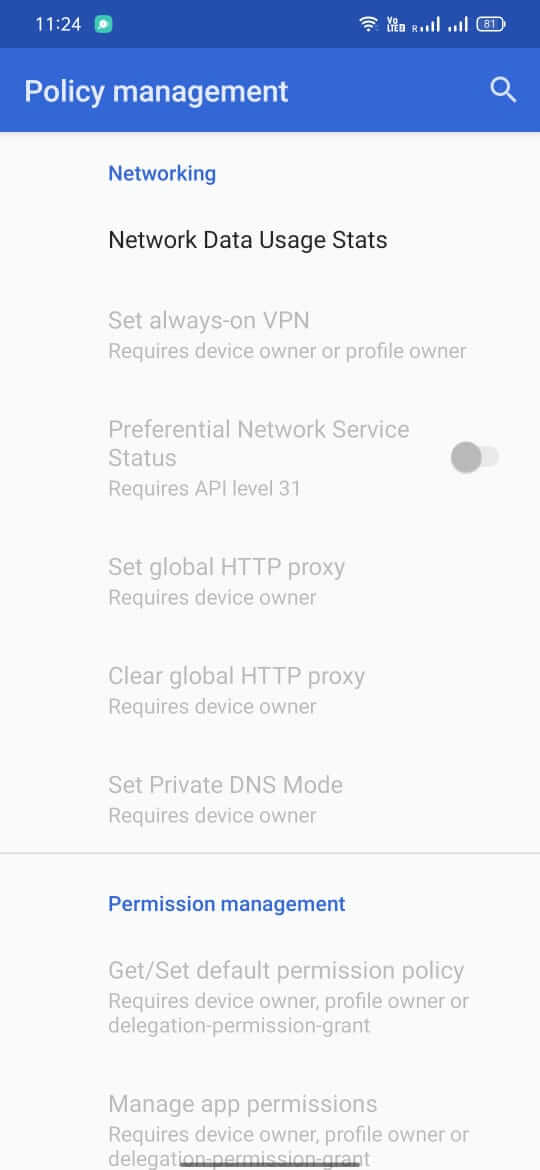
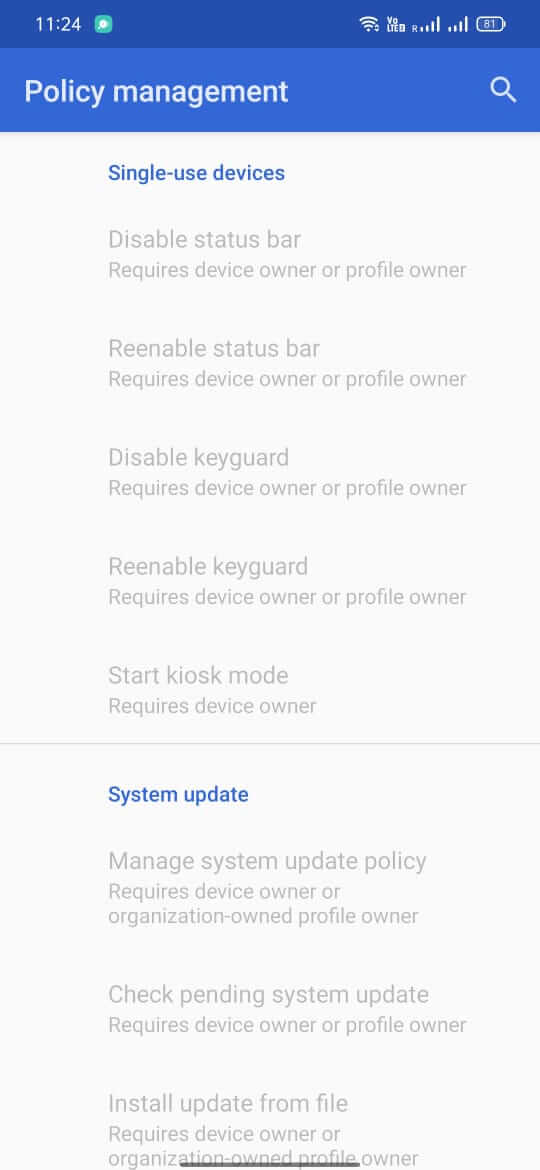

Test DPC is a sample Device Policy Controller (DPC) app designed for Android developers and IT administrators. It lets you experiment with device‑owner and profile‑owner APIs, helping you verify how your own applications behave under various enterprise restrictions.
This page provides the latest APK details, installation guide, compatibility notes, and practical advice for using Test DPC safely.
Quick Information
| App/Game Name | Test DPC |
| Latest Version | 9.0.16 |
| Developer | Not listed |
| Category | Apps / Tools |
| App Size | 13.42 MB |
| Package Name | com.afwsamples.testdpc |
| Last Updated | 1 October 2026 |
What Is Test DPC?
Test DPC acts as a reference implementation of Android’s enterprise management APIs. It allows you to:
- Set up a device as a managed device (device owner) for testing purposes.
- Create managed profiles and apply policies such as password requirements, app restrictions, and network configurations.
- Inspect how other apps react when enterprise constraints are enforced.
The app is intended for development and testing only; it is not a full‑featured mobile‑device‑management (MDM) solution.
Compatibility
Compatibility
| Android Version | ✓ Verified — Android 5.0 and later |
| Architecture (ARM64 / 32-bit) | ✓ Verified — Supports common device architectures |
| Internet Connection | ✓ Verified — May be required for ads, updates, or login |
| Storage Needed | Not Verified |
| OBB/Data Files | Not Verified |
| Root Required | Not Verified |
How to Install
- Enable Install unknown apps for the browser or file manager you will use.
- Download the Test DPC APK file to your device.
- Open the downloaded file and tap Install.
- After installation, open the app and follow the on‑screen prompts to set it as a device owner (requires a factory‑reset device for full device‑owner mode).
Troubleshooting
- App not installed: Ensure the APK is compatible with your Android version and that unknown sources are allowed.
- Crashes on launch: Clear app data or reinstall; verify the device meets the minimum Android version for the DPC APIs.
- Device‑owner activation fails: The device must be freshly factory‑reset and the activation command must be run via ADB (e.g.,
adb shell dpm set-device-owner com.afwsamples.testdpc/.DeviceAdminReceiver). - MOD features not working: This is the official build; no MOD features are present.
Safety & Security
Test DPC is a developer‑focused sample app. While it does not contain malicious code, it requires elevated permissions to act as a device owner. Install it only on devices you control, preferably test devices, and avoid entering personal or sensitive information while the app is active. Keep the APK source trustworthy and verify the package name (com.afwsamples.testdpc) before installing.
How Test DPC Compares
| Feature | Test DPC | Google Android Management | Microsoft Intune | VMware Workspace ONE |
|---|---|---|---|---|
| Price / Free model | Free (open‑source sample) | Pay‑as‑you‑go (cloud service) | Subscription‑based | Subscription‑based |
| Platform availability | Android only | Android, iOS, web | Android, iOS, Windows, macOS | Android, iOS, Windows, macOS |
| Standout feature | Direct access to DPC APIs for testing | Fully managed cloud console | Deep integration with Microsoft 365 | Broad device‑type support and unified console |
| Best for | Developers needing a lightweight test DPC | Enterprises seeking managed device fleet | Organizations using Microsoft ecosystem | Businesses requiring cross‑platform UEM |
Alternatives
If Test DPC does not meet your needs, consider these well‑known tools:
- Google Android Management API – Cloud‑based service for large‑scale device provisioning and policy enforcement.
- Microsoft Intune – Part of Microsoft Endpoint Manager, offering comprehensive MDM and app protection.
- VMware Workspace ONE – Unified endpoint management with strong cross‑platform capabilities.
- MobileIron – Enterprise security platform focusing on mobile threat defense.
- Cisco Meraki – Cloud‑managed networking and device management solution.
Final Verdict
Test DPC is a useful, free sample app for developers who need to experiment with Android’s device‑owner and profile‑owner features. It’s lightweight, easy to install on test devices, and provides direct access to the core DPC APIs. Because it requires elevated privileges, it should be used only on devices you control and not on primary personal phones. If you need a full‑featured MDM solution for production environments, look to dedicated services such as Google Android Management, Microsoft Intune, or VMware Workspace ONE.
Frequently Asked Questions
Yes, when downloaded from a trusted source it is safe, but it requires device‑owner permissions, so install it only on devices you control.
No, root is not required; however, setting it as a device owner may need a factory‑reset device and ADB commands.
Test DPC works on Android 6.0 (Marshmallow) and later, as it uses the standard Device Policy Controller APIs.
It is intended for testing and development only; using it on a primary device may interfere with normal operation.
After installing, reset the device, then use ADB with the command adb shell dpm set-device-owner com.afwsamples.testdpc/.DeviceAdminReceiver.
Updates are not delivered through the Play Store; you need to download and install newer APK versions manually.
No, the app is a single APK file without extra data packages.
Yes, you can install a newer APK over an existing one; the installer will replace the previous version.